Keychron M5 Wireless Ergonomic Mouse Review: Pro Performance Meets Ultimate Comfort
For years, users had to choose between comfort (vertical mice) and performance (gaming mice). Keychron has officially ended that compromise. The Keychron M5 Wireless Ergonomic Mouse is a rare beast that packs a top-tier PixArt 3950 sensor into a 47-degree vertical shell. Whether you are crunching spreadsheets in Excel or flicking shots in a fast-paced shooter, this mouse promises to save your wrist without sacrificing a single millisecond of speed.
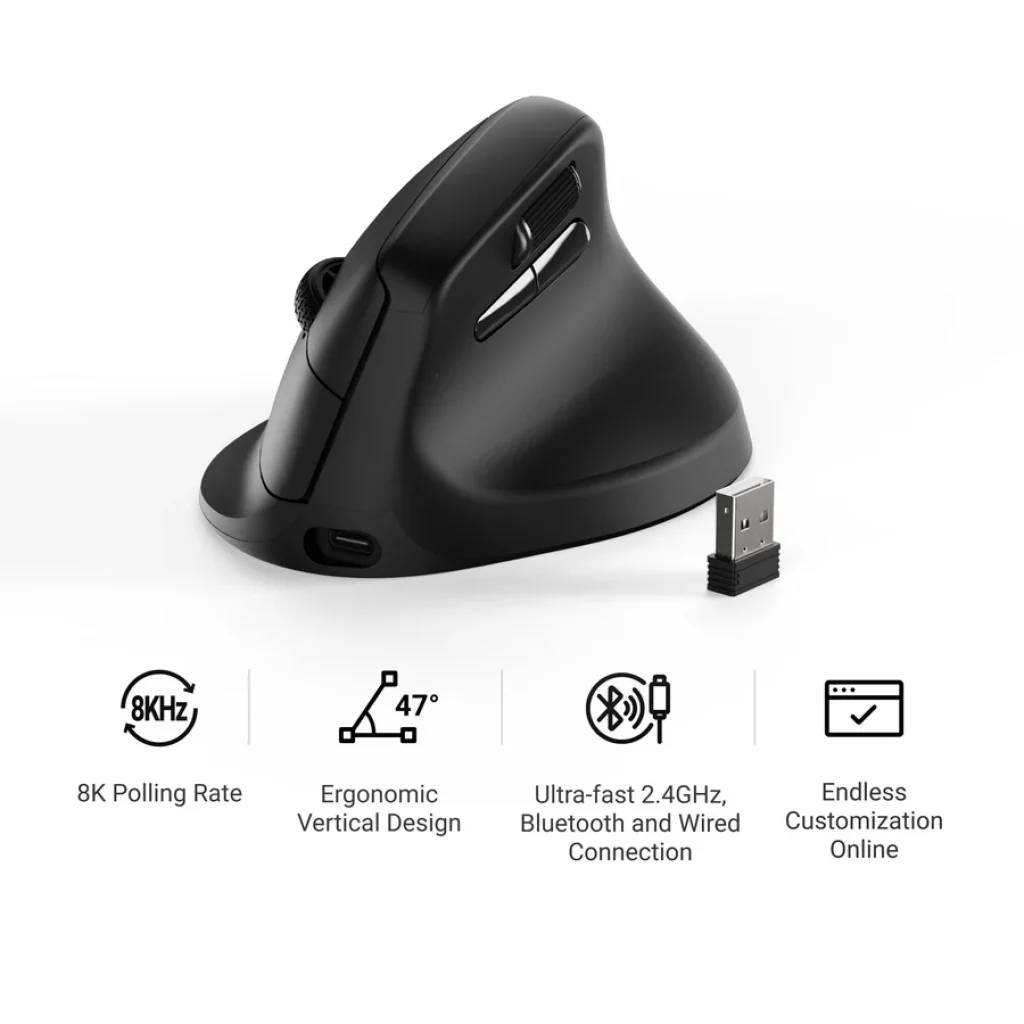
Ergonomic Design: The 47° Science of Comfort
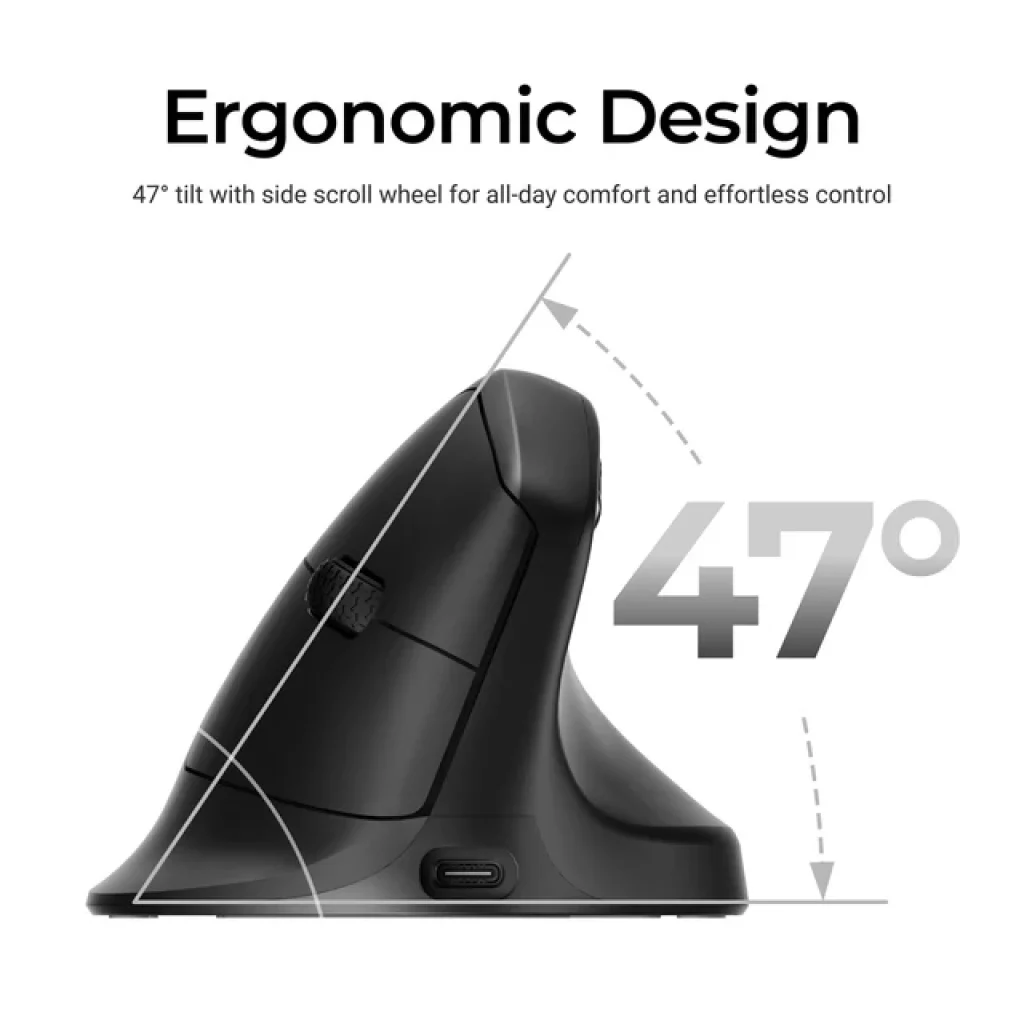
The standout feature of the M5 is its 47-degree vertical angle.
-
Natural Handshake Position: This unique tilt alleviates wrist strain and reduces forearm torsion, promoting a natural posture for all-day use.
-
Premium Texture: The body conforms closely to the palm, featuring a dedicated thumb rest on the side for a secure, comfortable grip over extended periods.
-
Thumb Wheel: Unlike standard mice, the M5 includes a horizontal thumb scroller, allowing you to breeze through wide spreadsheets or scrub through video timelines with ease.
The Strongest Sensor in an Ergonomic Body: PixArt 3950
Keychron didn’t hold back on the internals. The M5 is equipped with the PixArt 3950 optical sensor, typically reserved for flagship gaming mice.
-
Precision: Support for up to 30,000 DPI and 750 IPS tracking speed.
-
Flawless Sensitivity: It responds to every micro-movement with pinpoint precision, making it ideal for high-resolution 4K or 8K monitor setups.
Unrivaled 8000Hz Polling Rate: Setting a New Standard
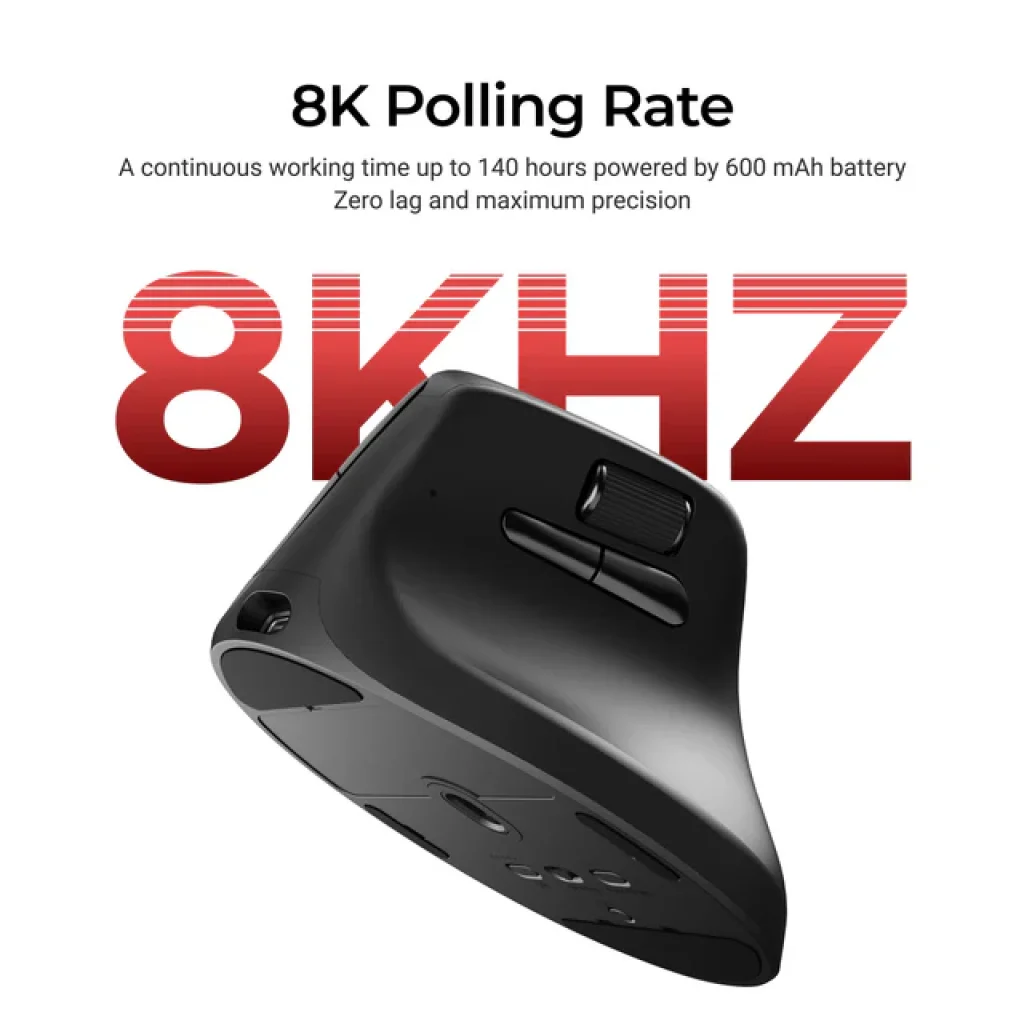
Most “ergonomic” mice top out at a 125Hz or 1000Hz polling rate. The Keychron M5 shatters this limit with an 8000Hz polling rate in 2.4GHz mode.
-
Ultra-Low Latency: At 8K, the latency drops to just 0.93ms. According to LTT Labs, this is over ten times faster than other flagship ergonomic mice.
-
Seamless Response: The cursor movement is incredibly fluid, providing a competitive edge in gaming and a “locked-in” feel for professional tasks.
Connectivity and Battery Life: 140 Hours of Freedom
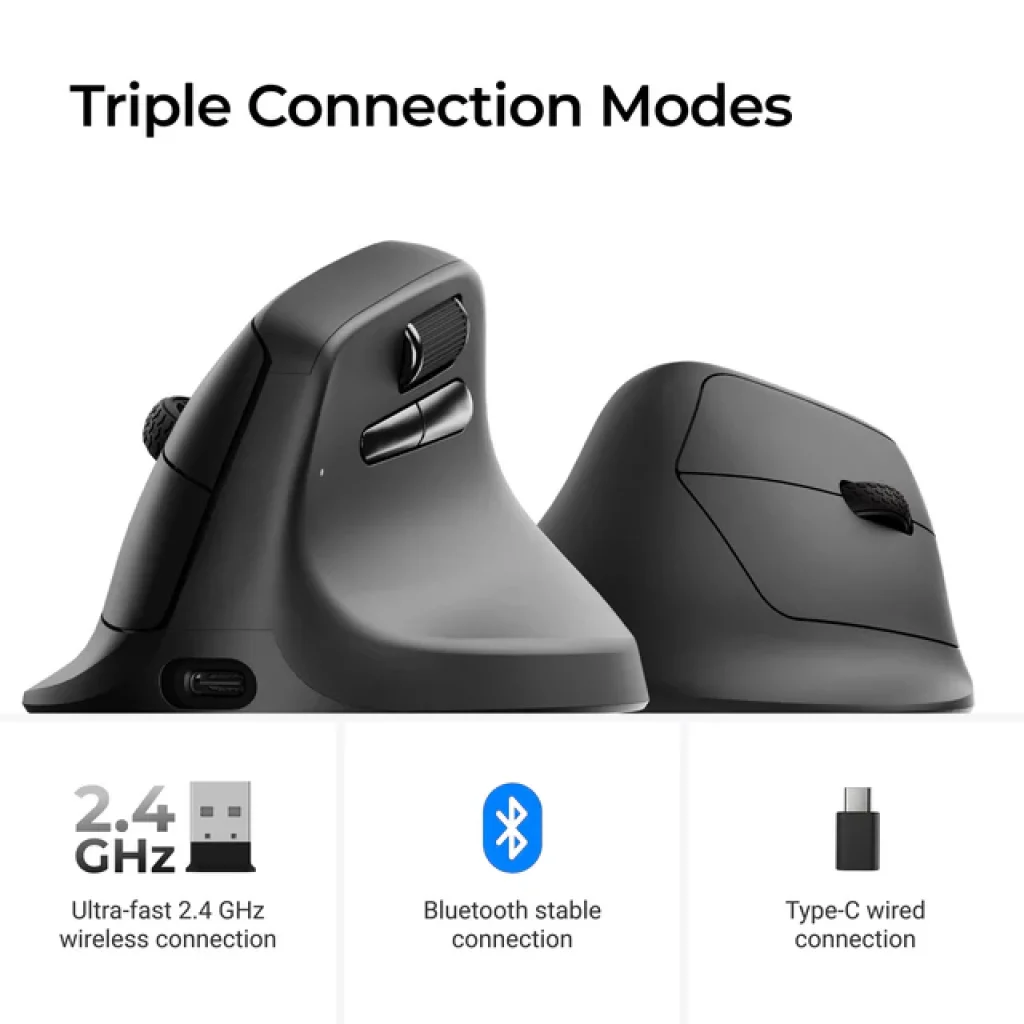
The M5 is a versatile tool designed for any scenario, offering Tri-Mode Connectivity:
-
2.4 GHz Wireless: For peak performance and 8K polling.
-
Bluetooth 5.3: Ideal for multi-device setups (supports quick-swapping up to 3 devices).
-
USB Wired: For charging while playing.
-
Battery Power: Equipped with a 600mAh battery, it provides up to 140 hours of continuous work in Bluetooth mode and up to 120 hours in 1K polling rate mode.
Keychron Launcher: Personalization Simplified
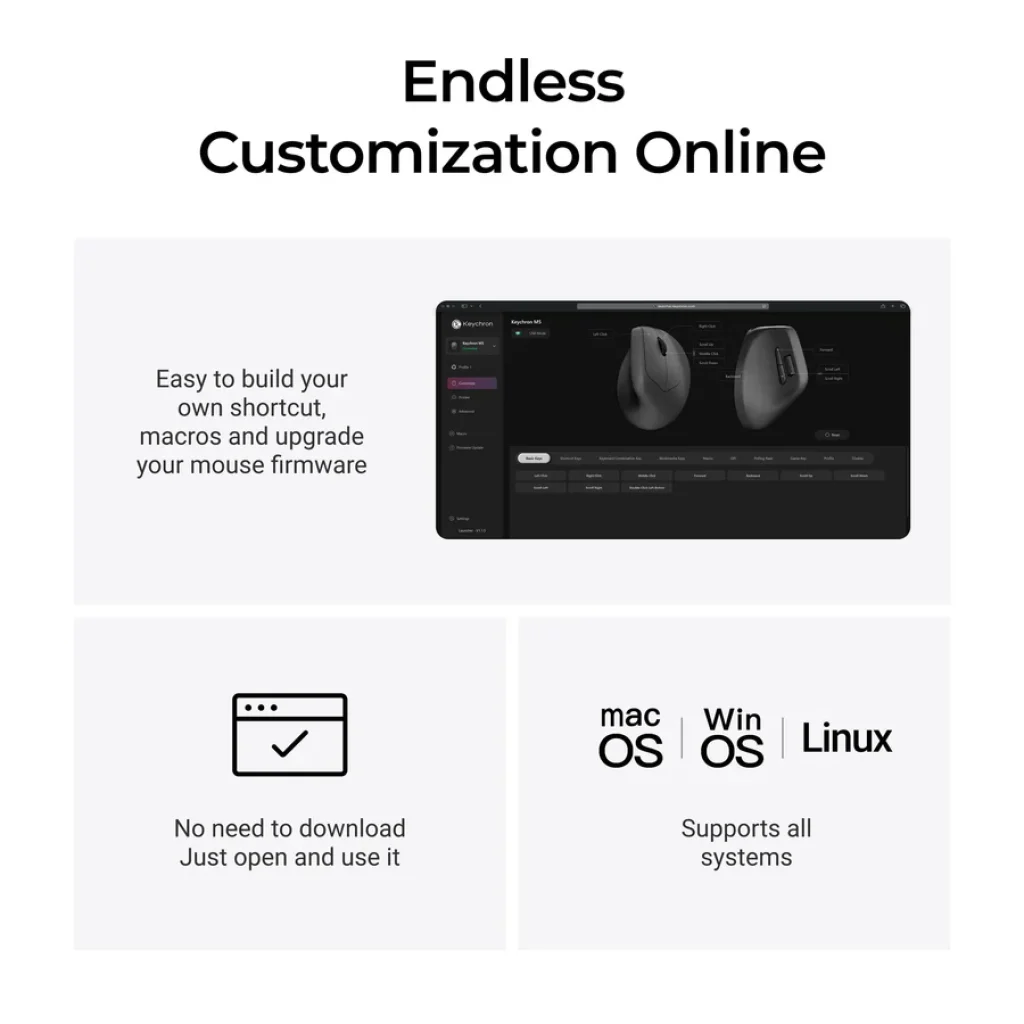
No more bloated software installations. The Keychron Launcher web app allows you to customize your M5 directly in your browser.
-
Full Control: Modify keys, set macros, and adjust professional settings like LOD (Lift-Off Distance), polling rates, and DPI.
-
On-board Memory: Save up to 5 profiles directly on the mouse to maintain your settings across different computers.
Pros and Cons: Our Honest Verdict
Pros:
-
Top-Tier Sensor: PixArt 3950 is arguably the best in the market.
-
Extreme Speed: 8000Hz polling rate is a game-changer for ergonomics.
-
Pure Comfort: The 47° angle effectively reduces wrist pain.
-
Feature Rich: Thumb wheel, Huano 80M micro switches, and lightweight design (95g).
Cons:
-
No Discounts: Official policy states no discount codes can be used for the M5.
-
Full-Size: Might be too large for users with very small hands.
Final Verdict: Is it worth your money in 2026?
The Keychron M5 Wireless Ergonomic Mouse is a productivity powerhouse. It successfully bridges the gap between medical-grade comfort and esports-grade performance. If you are a professional who values their health but refuses to settle for “slow” hardware, the M5 is in a league of its own.
Get Yours at Keychron: Check Official Price & Availability
Nexobuy Tip: If the M5 is currently out of stock, we highly recommend dropping your email on the “Notify Me When Available“ list. These sell out fast!
Frequently Asked Questions (FAQ)
-
Can I use the 8000Hz rate on Mac? Yes, the M5 is fully compatible with both Windows and macOS.
-
What’s in the box? You get the M5 Mouse, a Type-C to Type-C cable, a Type-A to Type-C adapter, and an extension adapter for the receiver.
-
Are the switches durable? Yes, it uses Huano 80M Micro Switches, rated for 80 million clicks.